Hosted blog or WordPress — where CustomIQ publishes your articles
1:23 · Published 2026-10-11
In CustomIQ WordPress is connected from the IQ chat, not from Connections: when a plan needs to publish on your website, the agent asks for your WordPress URL and an application password and checks the access. To sync pages and landings with Elementor, also install the CustomIQ helper plugin the chat provides.
Transcript
Read the full transcript
0:00Introduction
In this tutorial you'll see the two places CustomIQ can publish your blog articles, and how to choose. Option one is a blog hosted by CustomIQ. Option two is your own WordPress site.
0:16The hosted blog
This is a hosted blog. CustomIQ builds it and keeps it running for you, ready for Google and for AI assistants from day one, with sitemap, RSS and structured data. It lives on its own address on CustomIQ, and you can also connect your own domain. It costs five hundred credits a month while it's active. Here you see the next charge, and you can deactivate it whenever you want.
0:41Create a hosted blog
To create one, pick the segment it writes for, give it a name and choose its address. Use a CustomIQ subdomain or your own domain.
0:51Publish on WordPress
If you already have a website on WordPress, you don't need any of this. CustomIQ publishes straight to your site, at no extra cost. You connect it once from the IQ chat with your site's address and an application password, and then you just pick WordPress as the destination when you generate articles. Hosted blog if you don't have a website yet, WordPress if you do.
Either way, your articles go out optimized for search.
More videos
 1:57
Create, find and publish AI images for Instagram, TikTok and LinkedIn — CustomIQ Images Studio
 2:21
How to create AI videos with a presenter, talents and your digital twin
 1:58
How to write and publish an SEO blog article with AI (hosted blog)
 1:26
How to create branded documents and lead magnets with AI
 1:10
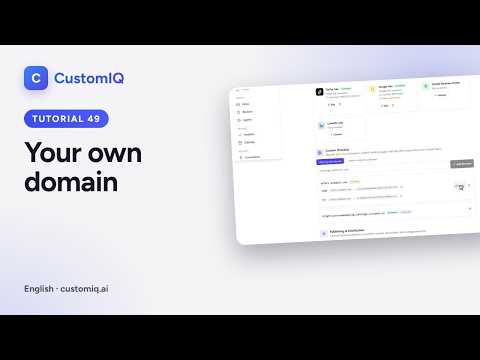
How to serve your CustomIQ landing pages from your own domain
 2:48
How to create, edit and publish a landing page with AI